civitality1.0.16
Publisher Description

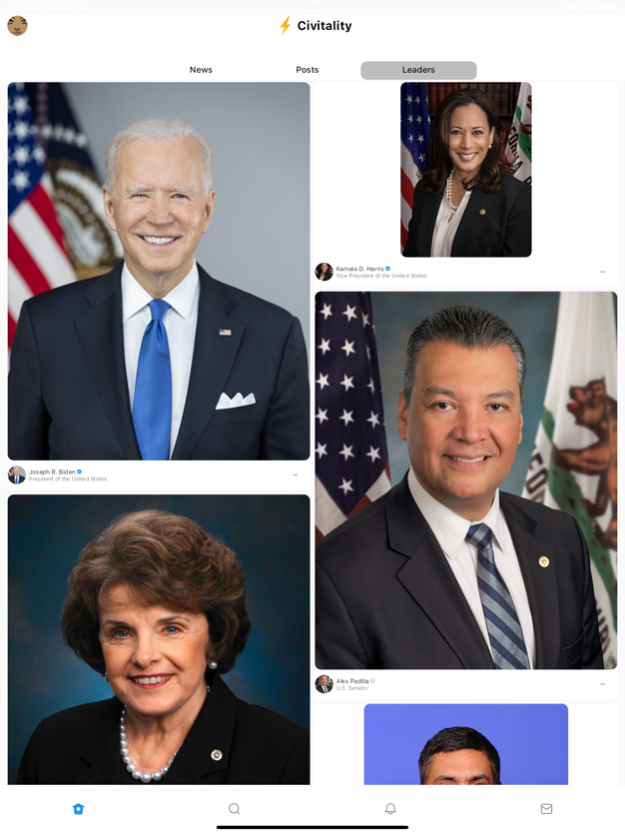
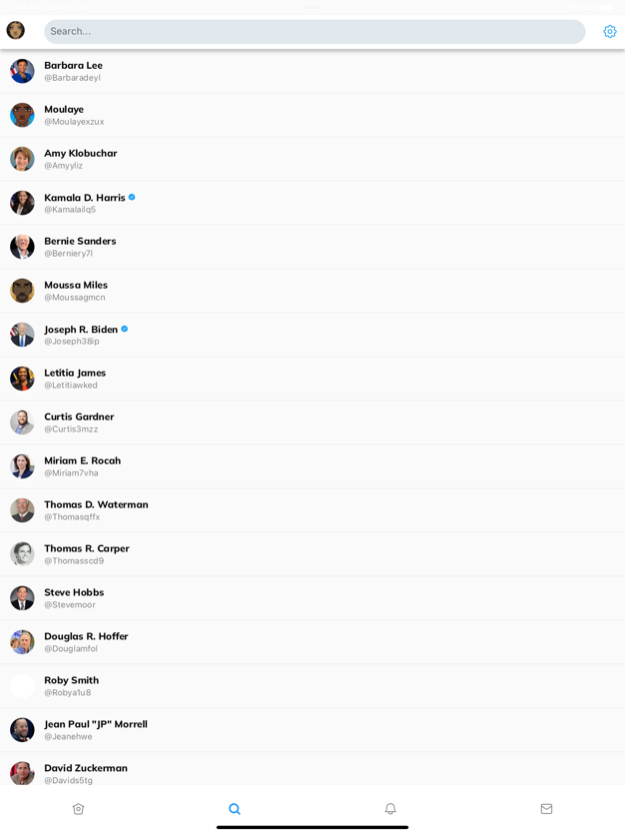

Civitality is the easiest way to connect with your elected officials and make a difference in your community. With Civitality, you can:
Find your elected officials and learn about their positions on the issues that matter to you
Contact your elected officials directly to share your thoughts and concerns
Stay up-to-date on local, state, and national news and events
Get involved in local government and make your voice heard
Civitality is the perfect tool for anyone who wants to be more engaged in their communities. It's easy to use and free to download.
Principles:
Easy access to information and resources to engage with community and elected leaders.
Elected officials and leaders are accountable to constituents
Technology and A.I can make democracy more accessible and inclusive
Features:
Connect with elected officials and leaders. Ask questions and keep track of issues you care about.
We leverage Artificial intelligence and natural language processing to keep you informed with key issues and facilitate informed decision-making
Take action at the local, state, and national levels
Download Civitality today and start making a difference in your community!
Jan 4, 2024
Version 1.0.16
UI Improvements
Minor bug fixes
About civitality
The company that develops civitality is Moulaye Keita. The latest version released by its developer is 1.0.16.
To install civitality on your iOS device, just click the green Continue To App button above to start the installation process. The app is listed on our website since 2024-01-04 and was downloaded 4 times. We have already checked if the download link is safe, however for your own protection we recommend that you scan the downloaded app with your antivirus. Your antivirus may detect the civitality as malware if the download link is broken.
How to install civitality on your iOS device:
- Click on the Continue To App button on our website. This will redirect you to the App Store.
- Once the civitality is shown in the iTunes listing of your iOS device, you can start its download and installation. Tap on the GET button to the right of the app to start downloading it.
- If you are not logged-in the iOS appstore app, you'll be prompted for your your Apple ID and/or password.
- After civitality is downloaded, you'll see an INSTALL button to the right. Tap on it to start the actual installation of the iOS app.
- Once installation is finished you can tap on the OPEN button to start it. Its icon will also be added to your device home screen.
Program Details
System requirements
Download information
Pricing
Version History
version 1.0.16
posted on 2024-01-04
Jan 4, 2024
Version 1.0.16
UI Improvements
Minor bug fixes
version 1.0.15
posted on 2024-01-02
Jan 2, 2024
Version 1.0.15
Minor bug fixes
Performance improvements
version 1.0.11
posted on 2023-12-24
Dec 24, 2023
Version 1.0.11
Minor bug fixes
Allow users to comment on Posts
Allow users to like/unlike Posts from Feeds and Details pages
Performance improvements
version 1.0.10
posted on 2023-12-12
Dec 12, 2023
Version 1.0.10
- Minor bug fixes
- Enhanced authentication workflow
- Ability to call local leader from any card
version 1.0.8
posted on 2023-11-12
Nov 12, 2023
Version 1.0.8
Bug fixes
Performance improvements
version 1.0.7
posted on 2023-11-08
Nov 8, 2023
Version 1.0.7
Bug fixes
Initial efforts to allow users to comment, share and take action on a bill, supreme court case or news article
Added disclaimers on Post details page
version 1.0.5
posted on 2023-10-30
Oct 30, 2023
Version 1.0.5
Bug fixes
Improved feed
Added disclaimers
version 1.0.3
posted on 2023-09-26
Sep 26, 2023
Version 1.0.3
- Improved Feed
- More up-to-date cards
- Fixed GenAI article generation
- Multiple bug fixes
version 1.0.2
posted on 2023-05-23
May 23, 2023
Version 1.0.2
- Fixed news on Profile page to show some content instead of being empty
- Fixed elected officials list by adding more to the address-based list
- Implemented a way for users to request their info be deleted
